-
Courses
Courses
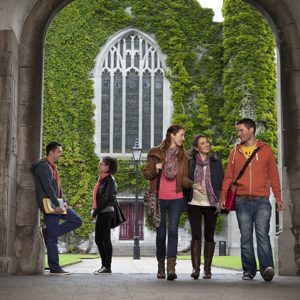
Choosing a course is one of the most important decisions you'll ever make! View our courses and see what our students and lecturers have to say about the courses you are interested in at the links below.
-
University Life

University Life
Each year more than 4,000 choose University of Galway as their University of choice. Find out what life at University of Galway is all about here.
-
About University of Galway
About University of Galway
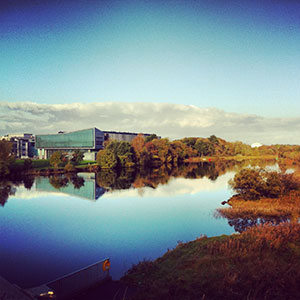
Since 1845, University of Galway has been sharing the highest quality teaching and research with Ireland and the world. Find out what makes our University so special – from our distinguished history to the latest news and campus developments.
-
Colleges & Schools
Colleges & Schools
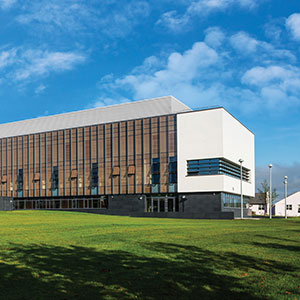
University of Galway has earned international recognition as a research-led university with a commitment to top quality teaching across a range of key areas of expertise.
-
Research & Innovation

Research & Innovation
University of Galway’s vibrant research community take on some of the most pressing challenges of our times.
-
Business & Industry
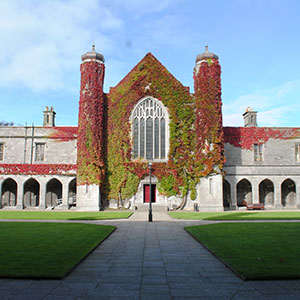
Guiding Breakthrough Research at University of Galway
We explore and facilitate commercial opportunities for the research community at University of Galway, as well as facilitating industry partnership.
-
Alumni & Friends
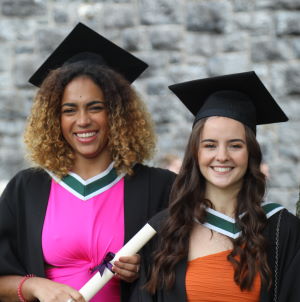
Alumni & Friends
There are 128,000 University of Galway alumni worldwide. Stay connected to your alumni community! Join our social networks and update your details online.
-
Community Engagement
Community Engagement
At University of Galway, we believe that the best learning takes place when you apply what you learn in a real world context. That's why many of our courses include work placements or community projects.
 Accessibility & Language
Lecture Theatre Computers
Lecture Theatre Computers
Lecture Theatre Computers – ISS Guidelines
- Use the lecture theatre computers is subject to University Acceptable Usage Policy and Code of Conduct.
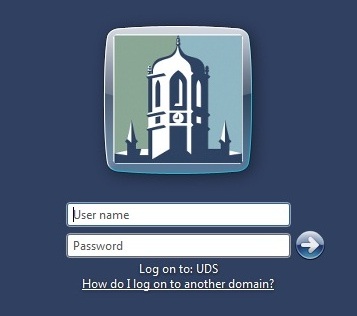
- Login by entering your Campus Account credentials
Type in your password and press enter.
- For security purposes, autorun has been disabled on all drives. To access USB devices, open My Computer.
- Access / Save files to your U: drive or USB key. Please note, if you save files on the Desktop or to My Documents, you must delete them at the end of the lecture.
- Do not disconnect any cable from the lecture theatre computer or add any peripheral device except via the USB ports located on the lectern.
- If you require additional software installed on a lecture theatre computer, contact the Service Desk
- To logout select the Start menu and then select Log Off. Do not power down the PC.
- If you find a USB key, CD or DVD in this computer, please leave it with the Lost and Found Office.
Fault Reporting
| PC / Network Issues: Information Solutions and Services |
Audio Visual Software / Equipment: Audio Visual Services |
|---|---|
| Service Desk | Audio Visual Services |
| Phone: (49) 5777 | Phone: (49) 2173 |
| Email: servicedesk@universityofgalway.ie | Email: audiovisual @universityofgalway.ie @universityofgalway.ie |
Pre-installed software on Lecture Theatre PC's
The following is a list of the software applications that are installed on lecture theatre PC's.
- Windows 11 64x
- MS Office 2024
- Access
- Excel
- PowerPoint
- Publisher
- Word
- Adobe Reader
- AMOS
- SPSS
- EndNote
- VLC Media Player
- Windows Media Player
- Windows Defender
- Google Chrome
- Edge Browser
Any many more in the NAL Window as displayed on login.