-
Courses
Courses
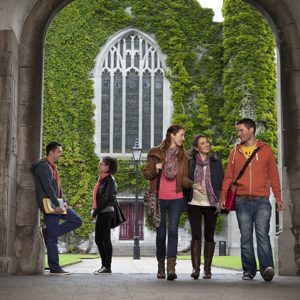
Choosing a course is one of the most important decisions you'll ever make! View our courses and see what our students and lecturers have to say about the courses you are interested in at the links below.
-
University Life

University Life
Each year more than 4,000 choose University of Galway as their University of choice. Find out what life at University of Galway is all about here.
-
About University of Galway
About University of Galway
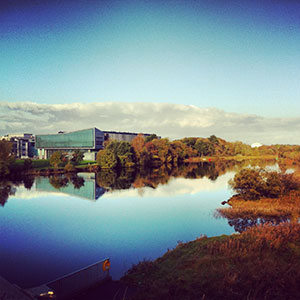
Since 1845, University of Galway has been sharing the highest quality teaching and research with Ireland and the world. Find out what makes our University so special – from our distinguished history to the latest news and campus developments.
-
Colleges & Schools
Colleges & Schools
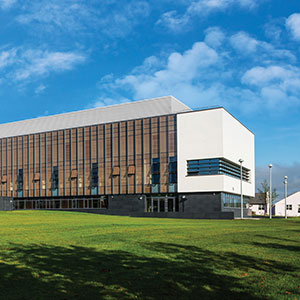
University of Galway has earned international recognition as a research-led university with a commitment to top quality teaching across a range of key areas of expertise.
-
Research & Innovation
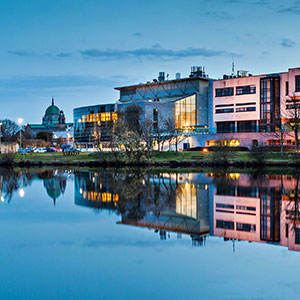
Research & Innovation
University of Galway’s vibrant research community take on some of the most pressing challenges of our times.
-
Business & Industry
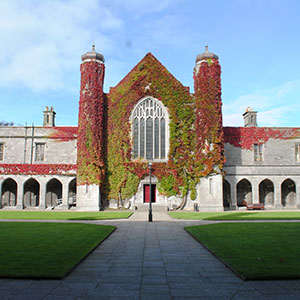
Guiding Breakthrough Research at University of Galway
We explore and facilitate commercial opportunities for the research community at University of Galway, as well as facilitating industry partnership.
-
Alumni & Friends

Alumni & Friends
There are 128,000 University of Galway alumni worldwide. Stay connected to your alumni community! Join our social networks and update your details online.
-
Community Engagement
Community Engagement
At University of Galway, we believe that the best learning takes place when you apply what you learn in a real world context. That's why many of our courses include work placements or community projects.
 Accessibility & Language
Links
Call to Action buttons for the Content Area
These are especially useful for widescreen pages but work on pages with menus too.
You should only use 1 of these per page. If you use more, only the last one will stick to the bottom of the page on small screens.
Coloured Link Blocks
Sometimes you want rows of coloured blocks, maybe to contain for links. This code allows you to easily change the number of columns and the colors of each block and link text.
At some point, we'll probably turn this into a content type, to make it even easier but for now, you can duplicate the 'coloured link blocks' content type from this page.
Colour options for the link are pink, red, orange, terracotta, green, dark green, teal, aquamarine, skylue, blue, dusk, indigo, purple, plum, silver, and grey.
These all have white links to ensure adequate contrast to meet WAI-AA accessibility standards.
Pastel colours have black text, namely: lightyellow, lightgreen, lightblue, babyblue, lightpurple, lightgrey
Examples of these colours are below.
Dark Colours
(White link text for WAI-AA Compatibility)Light Colours
(Black link text for WAI-AA Compatibility)Scheduled links
You can schedule a link not to work until a certain date with some javascript (code available in this section).
Once this code is on your page, and approved, simpy add an external link but use this specially formatted link URL:
javascript:linkTo('http://www.universityofgalway.ie',yyyy,mm,dd,hr,mins); (to make links open in a new tab)
or
javascript:linkTo('http://www.universityofgalway.ie',yyyy,mm,dd,hr,mins,'_self'); (to make links open in the same tab)
This prevents the link from being clickable until the specified date and time.
E.g: javascript:linkTo('http://www.nuigalway.ie',2025,12,25,14,15,'_self'); would make the link un-clickable until the 25th of December, 2025, at 14:15. Demonstration Link