-
Courses
Courses
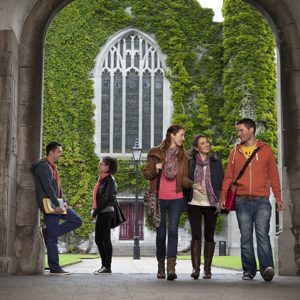
Choosing a course is one of the most important decisions you'll ever make! View our courses and see what our students and lecturers have to say about the courses you are interested in at the links below.
-
University Life

University Life
Each year more than 4,000 choose University of Galway as their University of choice. Find out what life at University of Galway is all about here.
-
About University of Galway
About University of Galway
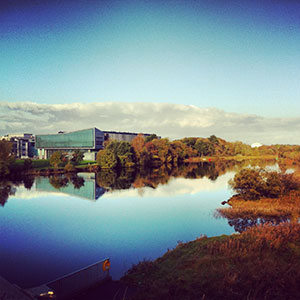
Since 1845, University of Galway has been sharing the highest quality teaching and research with Ireland and the world. Find out what makes our University so special – from our distinguished history to the latest news and campus developments.
-
Colleges & Schools

Colleges & Schools
University of Galway has earned international recognition as a research-led university with a commitment to top quality teaching across a range of key areas of expertise.
-
Research & Innovation

Research & Innovation
University of Galway’s vibrant research community take on some of the most pressing challenges of our times.
-
Business & Industry
Guiding Breakthrough Research at University of Galway
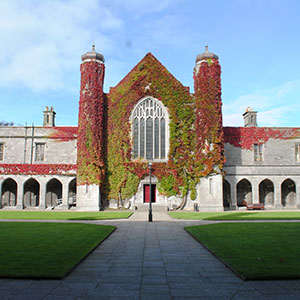
We explore and facilitate commercial opportunities for the research community at University of Galway, as well as facilitating industry partnership.
-
Alumni & Friends

Alumni & Friends
There are 128,000 University of Galway alumni worldwide. Stay connected to your alumni community! Join our social networks and update your details online.
-
Community Engagement
Community Engagement
At University of Galway, we believe that the best learning takes place when you apply what you learn in a real world context. That's why many of our courses include work placements or community projects.
 Accessibility & Language
Image Gallery
Image Gallery
Image galleries can be created by:
- Add an 'Image gallery: Carousel Holder' content type to your section
- Create a sub-section to this section and call it 'Images'
- You need to fully comply with copyright law. Ensure that you have the right to use any images you upload or insert onto your webpage. Further information is available on our Images FAQ page - Where can I find Images to use on my website.
- Add as many 'Image gallery: Carousel Images' content types to the 'Images' sub-section as you like. You will be selecting your images from the Media Library and your image should have the Type 'Background Image / Image CSS'.
Note: Gallery Images are typically around 1200 x 800 px as they are going to pop up on the screen (they can be 1600px wide [max] or else 830px high [max]).
For instructions on how to create web-ready versions of images (that are the correct dimensions), see How to resize your image and make it web ready.
Please Note: This content type doesn't preview perfectly in site manager. You'll see the gallery but if you click on an image icon, the pop-up will contain garbage. This is a limitation of t4's preview feature - it'll work fine when published. E.g. http://www.nuigalway.ie/t4training/examples/imagegallery/